
Dental AI Software Comes in 2 Kinds. Only One of Them Answers Your Phone.
Most "dental AI software" lists mix X-ray tools with receptionists. They solve different problems. Here's the split, and what the front-office kind actually does.
September 28, 2026
Updated October 2, 2026
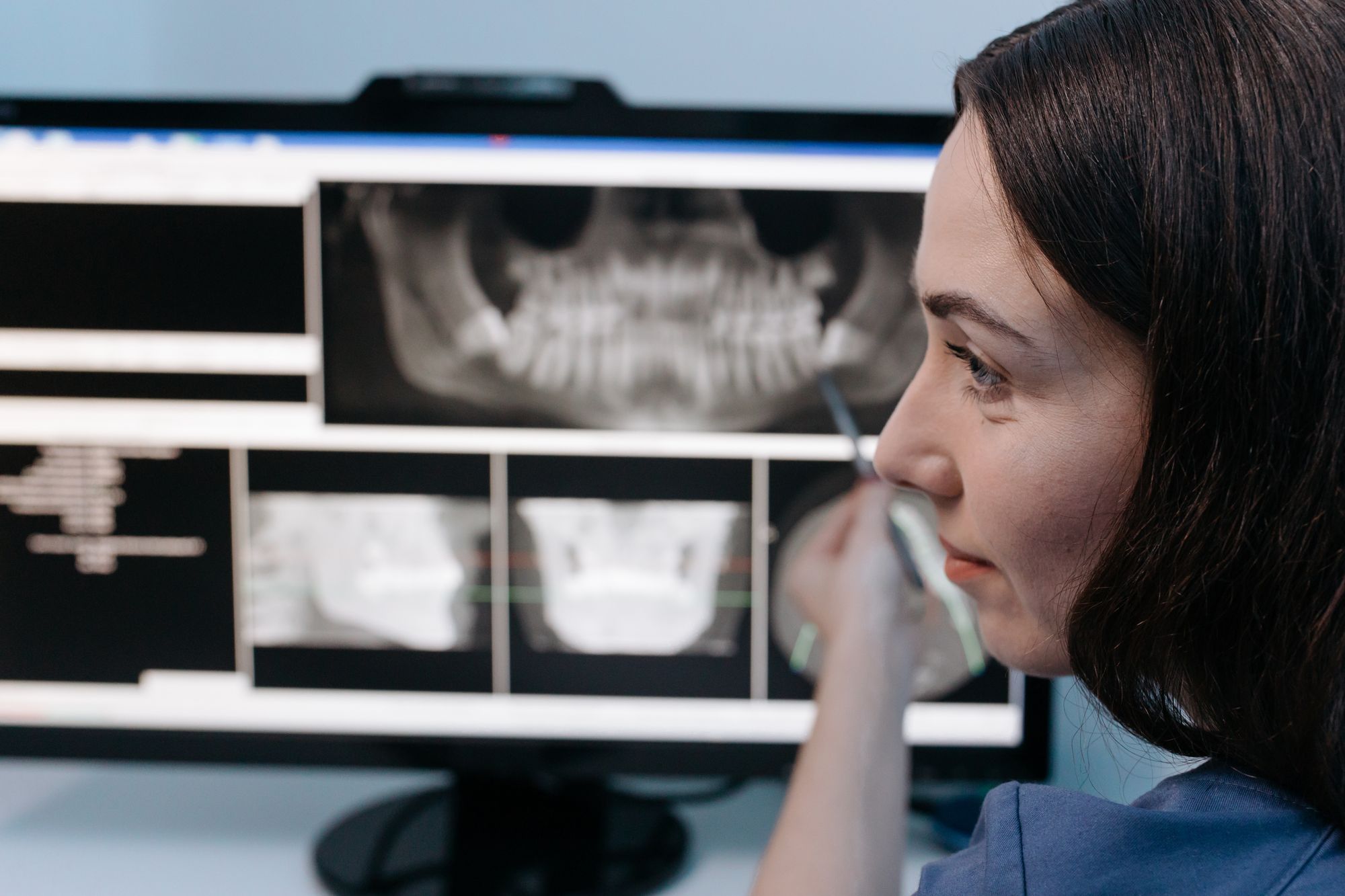
Dental AI software comes in two kinds that solve different problems. Clinical AI reads X-rays, drafts chart notes, and supports the dentist's diagnosis. Front-office AI answers the phone, follows up on new leads, confirms appointments, and brings lapsed patients back. If your problem is empty chairs rather than missed findings on a radiograph, you need the second kind, and it works far better as one connected system than as five separate tools.
Most buyers don't meet the category that way. Search results and roundup lists put both kinds side by side, so owners end up comparing an X-ray tool with a phone tool.
What are the two kinds of dental AI software?
Search "dental AI software" and most of the first page is clinical. Overjet describes its platform as one that "automates administrative work and enhances clinical decisions." Pearl talks about AI tools that "enhance diagnoses." Denti.AI offers a clinical scribe, voice perio charting, and imaging. Most of what ranks is built around the X-ray and the chart, helping the dentist see, measure, and document.
Front-office AI sits somewhere else entirely: on the phone line, in the inbox, and in the gap between a patient's visits. It never looks at a radiograph. Its job is to make sure the patient who wanted an appointment actually gets one, turns up for it, and comes back six months later.

Clinical AI at a glance
Where it works: the operatory, imaging, and charting
Who uses it: the dentist and hygienist
What it improves: diagnostic confidence and documentation time
Touches diagnosis: yes, it supports it
Front-office AI at a glance
Where it works: phones, web leads, reminders, and recall
Who uses it: the front desk, office manager, and owner
What it improves: booked appointments, show rate, and patient return
Touches diagnosis: no, and it should not
Plenty of owners care about that last line. As one put it:
"I don't want an AI voice anywhere near anything clinical."
A practice owner, on AI in the practice
That is a fair line to draw, and good front-office AI draws it for you. It handles scheduling, questions about hours and policies, and follow-up. Anything clinical goes to a person.
Why do search results mix them up?
Because "AI" is the label, not the job. Roundup articles rank products by how much AI they contain, so an X-ray analysis tool ends up in the same list as a phone answering tool. For a buyer, that is like comparing an intraoral scanner to a phone system because both plug into the wall.
The practical cost is that owners who are losing patients at the front desk spend their evaluation time on tools built for the chair. Start from the problem instead. Are you missing findings, or missing patients?
What does front-office dental AI actually do, step by step?
The clearest way to understand it is to follow one patient from first enquiry to their next checkup. MTS Revenue Infrastructure is built around this path, and you can see how it works on one page with a short product film.
1. A new lead comes in. Someone fills in a form on your website after seeing an ad or a Google result. Instead of waiting for whoever is free, an AI SDR calls them, answers their first questions, handles common objections, and works to book the appointment.

2. A patient calls the practice. The AI Receptionist answers when your team is busy or the office is closed. It handles common questions, books and reschedules appointments, and hands anything outside its scope to a person.
3. A call still gets missed. Missed-Call Text-Back sends the caller a text right away, so the conversation keeps going instead of ending at voicemail.
4. The appointment is booked. Appointment Reminders confirm the visit and handle rescheduling, so a booked slot is less likely to become an empty chair.

5. Treatment is done. The system asks patients for a review after their visit, sending happy patients to Google and routing negative feedback privately to the practice. Later, Patient Recall reaches out on a 6-month cadence to patients who are due back, and a referral step asks satisfied patients to recommend a friend.
6. Everything is visible. One dashboard shows the leads, calls, appointments, reviews, and revenue activity, with the actual call transcript or message behind each number.
Practices can buy each of those steps separately. What changes the result is running them as one system.
Why does "connected" matter more than "AI"?
Most practices already own some of these pieces. The problem is that they don't share information.
"We already pay for a chatbot, a texting tool, and a review tool, none of them talk to each other."
A practice owner, on their current software
When tools don't talk, revenue leaks out between them. A simple example: a standalone recall tool can email a patient who rebooked by phone last week, because it has no idea the booking happened. A connected recall step checks whether the patient has already rebooked before it reaches out. Multiply that across leads, calls, reminders, and reviews, and the gaps add up to real chairs.
So when you evaluate front-office AI, weigh how the pieces connect at least as heavily as how clever any single piece sounds.

What should you ask before buying any dental AI software?
Ask these whichever kind you are looking at:
Which problem does it solve? Clinical accuracy and documentation, or bookings and patient return? Buy for the leak you actually have.
What happens when the AI can't help? It should hand the conversation to a person, not guess.
Can you read every conversation? Every call and message should be recorded and reviewable by your team.
Can you stop it? You should be able to pause any automation and take over a live conversation. Human oversight belongs in the product, not in a promise.
Does it connect to what you already run? Ask specifically about your practice management system, not "integrations" in general.
Does it stay out of clinical decisions? Front-office AI should not diagnose or recommend treatment. If a vendor blurs that line, walk away.

Is dental AI software worth it for your practice?
It depends on where your practice is losing money. If your bottleneck is clinical, like diagnostic consistency or charting time, the imaging and scribe tools at the top of the search results are the right place to look. If your bottleneck is that leads go cold, calls go to voicemail, patients forget appointments, or recall lists never get worked, front-office AI is the kind to evaluate, because it works on patients your marketing has already paid to attract.
If you want to see the whole front-office journey working end to end, see how it works, from first enquiry to the dashboard.
Related reading: if you are weighing the phone piece specifically, AI Dental Receptionist vs. Human Answering Service goes deeper on that single decision.
Related articles

AI Dental Receptionist vs. Human Answering Service: How to Actually Choose
AI dental receptionist vs. human answering service: how coverage, cost, compliance, and scheduling integration actually compare, and how to choose.

Dental Recall Scripts: 6 Examples That Get Overdue Patients Rebooked
Six copy-ready recall scripts, one for each stage of overdue, with the timing that goes with them and the 3 mistakes that quietly stop patients rebooking.

Dental Appointment Reminders: The 3 Messages That Keep Your Chairs Full
Three reminders, sent at the right times, with one easy way to confirm or reschedule. Here's the timing, the wording, and templates you can copy.